A fresh operating-system installation should not mean hours—or days—spent finding applications and rebuilding your setup.
Aerona Sync creates a backup of your computer configuration so you can return to a familiar, productive environment in minutes. Before reinstalling, generate a portable configuration backup.
When your new system is ready, upload that file and let Aerona Sync restore the applications and settings it can reproduce, saving you repetitive work and unnecessary frustration.
Unlike traditional cloud backup products, Aerona Sync is focused on your system configuration rather than collecting your personal files. We respect your privacy, do not profile your activity, and do not use your information for advertising.
Your backup remains a practical tool that you control, created for one purpose: helping you recover your working environment quickly. Whether you are resolving a system problem, moving to a fresh installation, or preparing for the unexpected, Aerona Sync lets you reset your computer without resetting your routine.
Meet Aerona Sync, the fastest way to make a new installation feel instantly familiar.
Aerona Sync helps you preserve the desktop experience you've carefully built over time. Whether you are reinstalling AeronaOS, migrating to a new computer, or recovering from an unexpected issue, Aerona Sync allows you to return to a productive environment in minutes rather than hours.
Before making changes to your system, simply generate a portable configuration backup file. Aerona Sync captures the settings and application information it can reproduce, creating a convenient snapshot of your setup that is ready whenever you need it.
When your new system is ready, upload the backup and let Aerona Sync handle the repetitive work. Applications, preferences, and supported configurations are automatically restored, helping you get back to work without manually rebuilding your environment from scratch.
Flatpak users benefit from seamless application synchronization. Aerona Sync records your installed Flatpaks and restores them on compatible systems, making software migration simple and reliable.
Desktop personalization is preserved through Extension Sync. Supported extensions can be detected and restored automatically, helping ensure your workflow, appearance, and productivity tools remain consistent across installations.
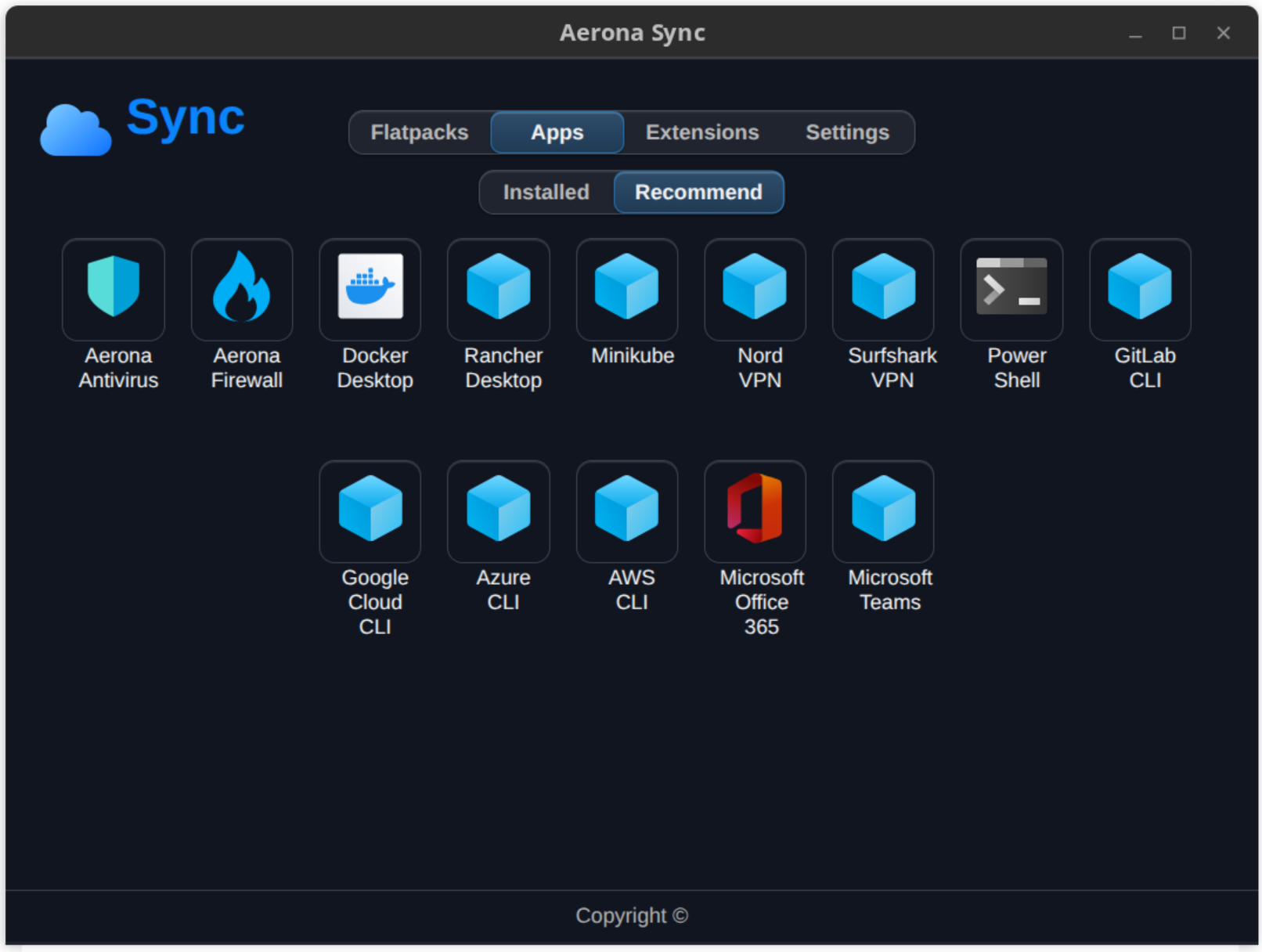
For recommended and verified applications, Aerona Sync offers convenient One-Click Installation. Instead of searching and configuring software individually, users can quickly reinstall trusted applications with a single action.
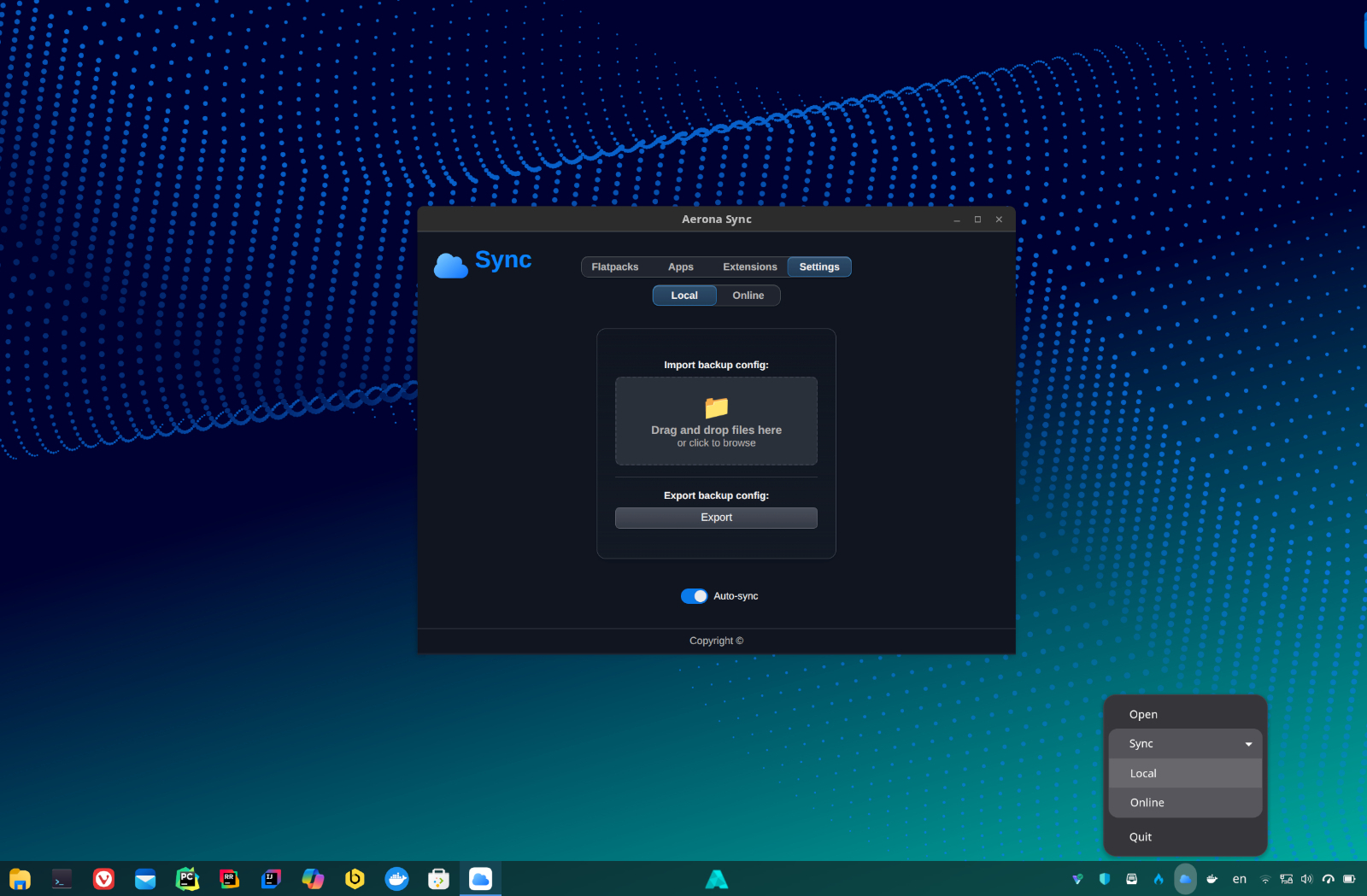
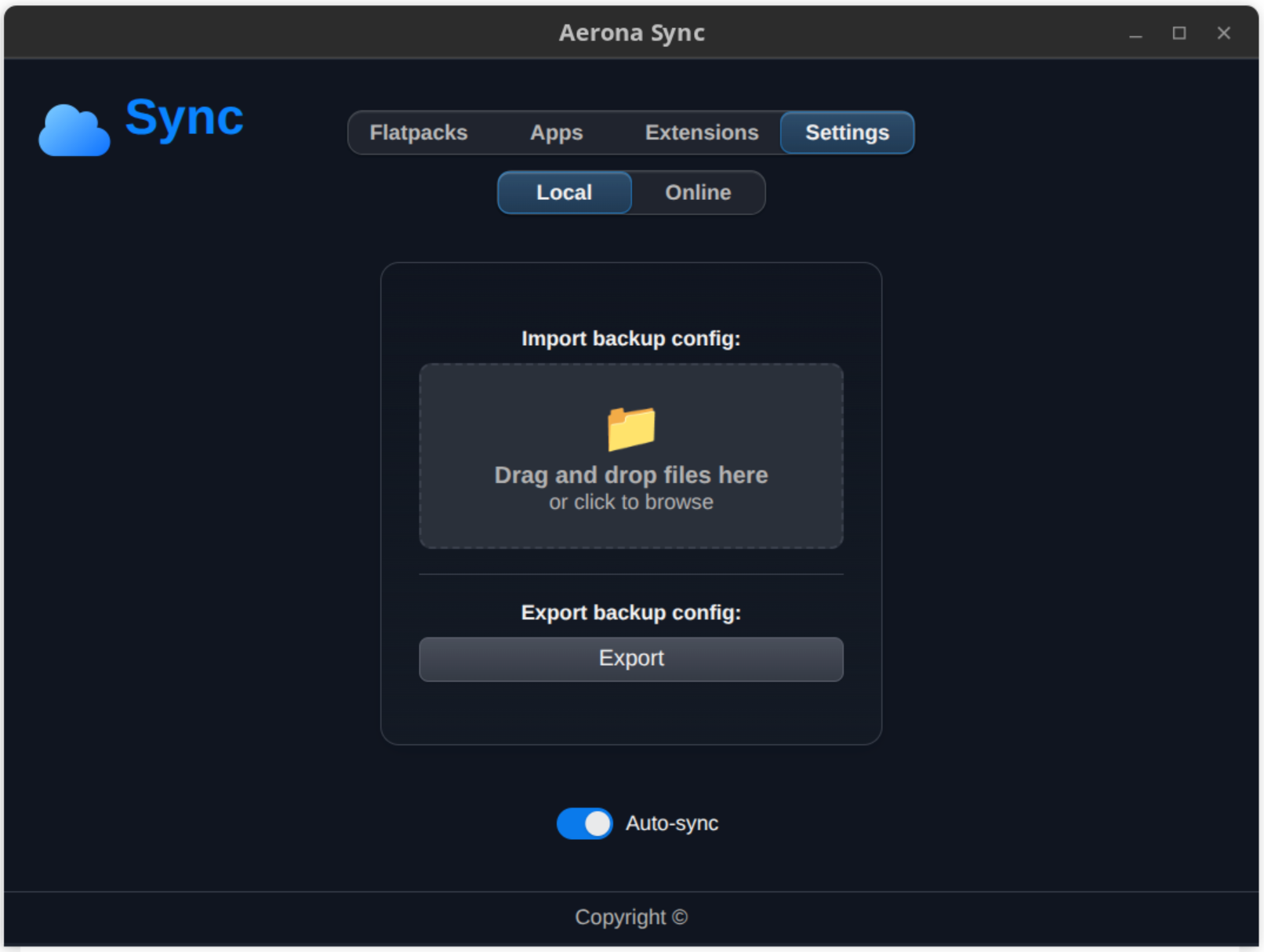
Flexible synchronization options allow users to choose between Local Sync and Cloud Sync. Local Sync generates a portable JSON configuration file that can be stored anywhere you choose, giving you complete control over your backup.
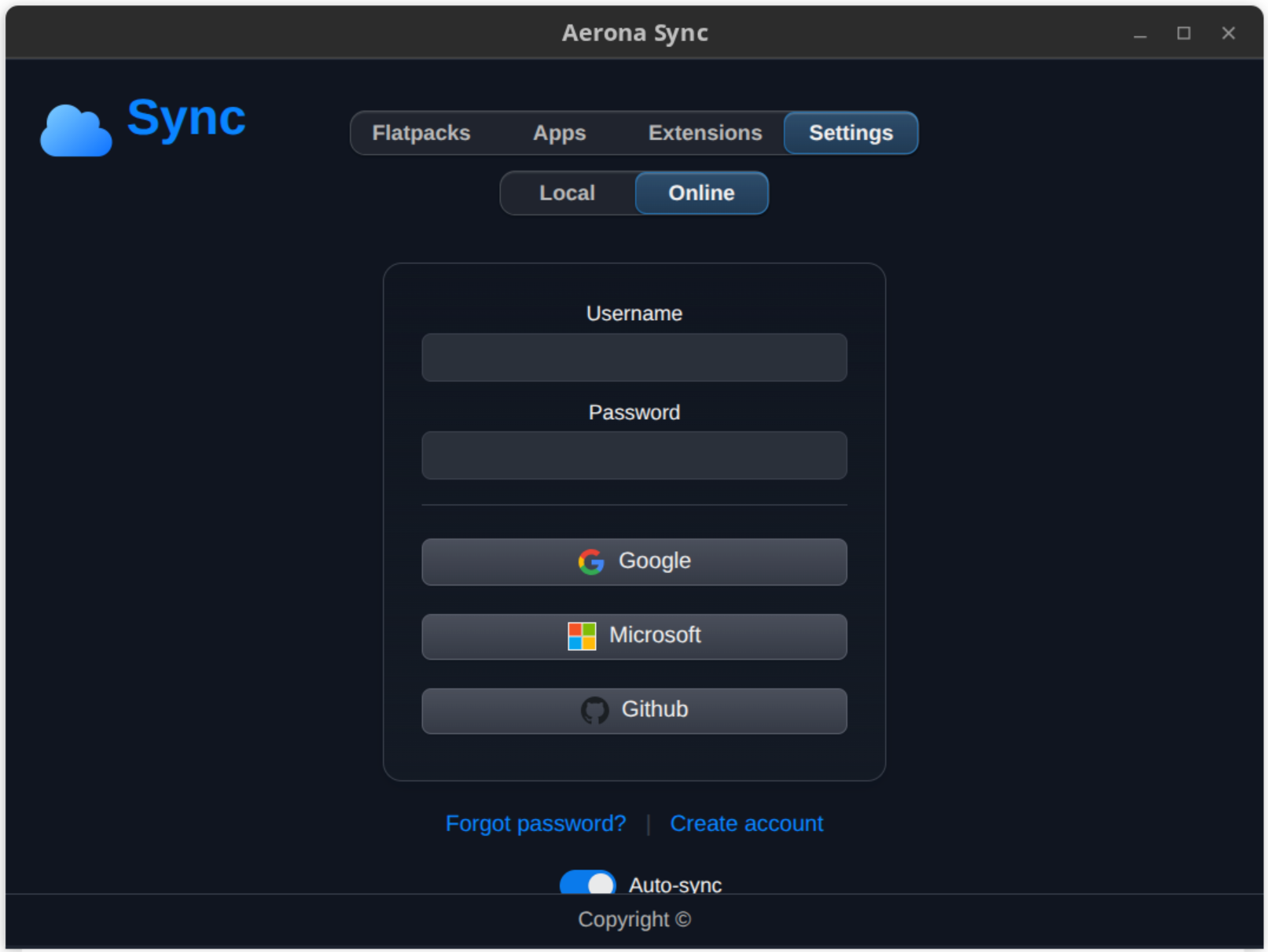
For additional convenience, Cloud Sync securely stores your configuration file using Aerona's cloud infrastructure. Authentication is handled through Single Sign-On (SSO), and only the information required for synchronization is retained: your email address and configuration JSON file. No additional personal data is collected or stored.
Designed with privacy, simplicity, and reliability in mind, Aerona Sync removes the frustration of rebuilding a desktop environment after every installation or upgrade.
With Aerona Sync, your applications, preferences, and workflow follow you wherever AeronaOS goes.